
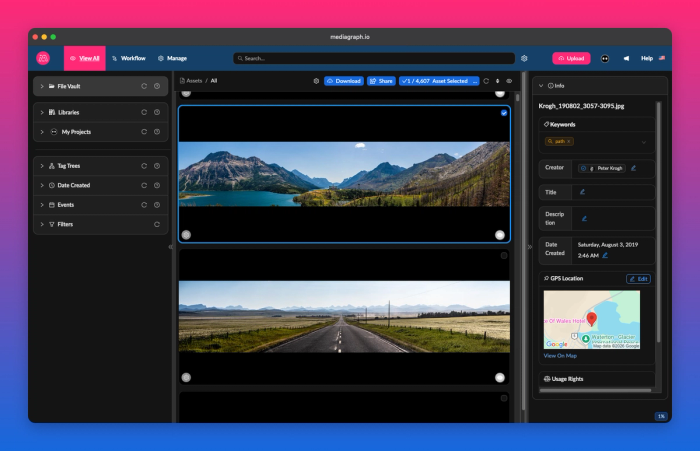
See More with Masonry View
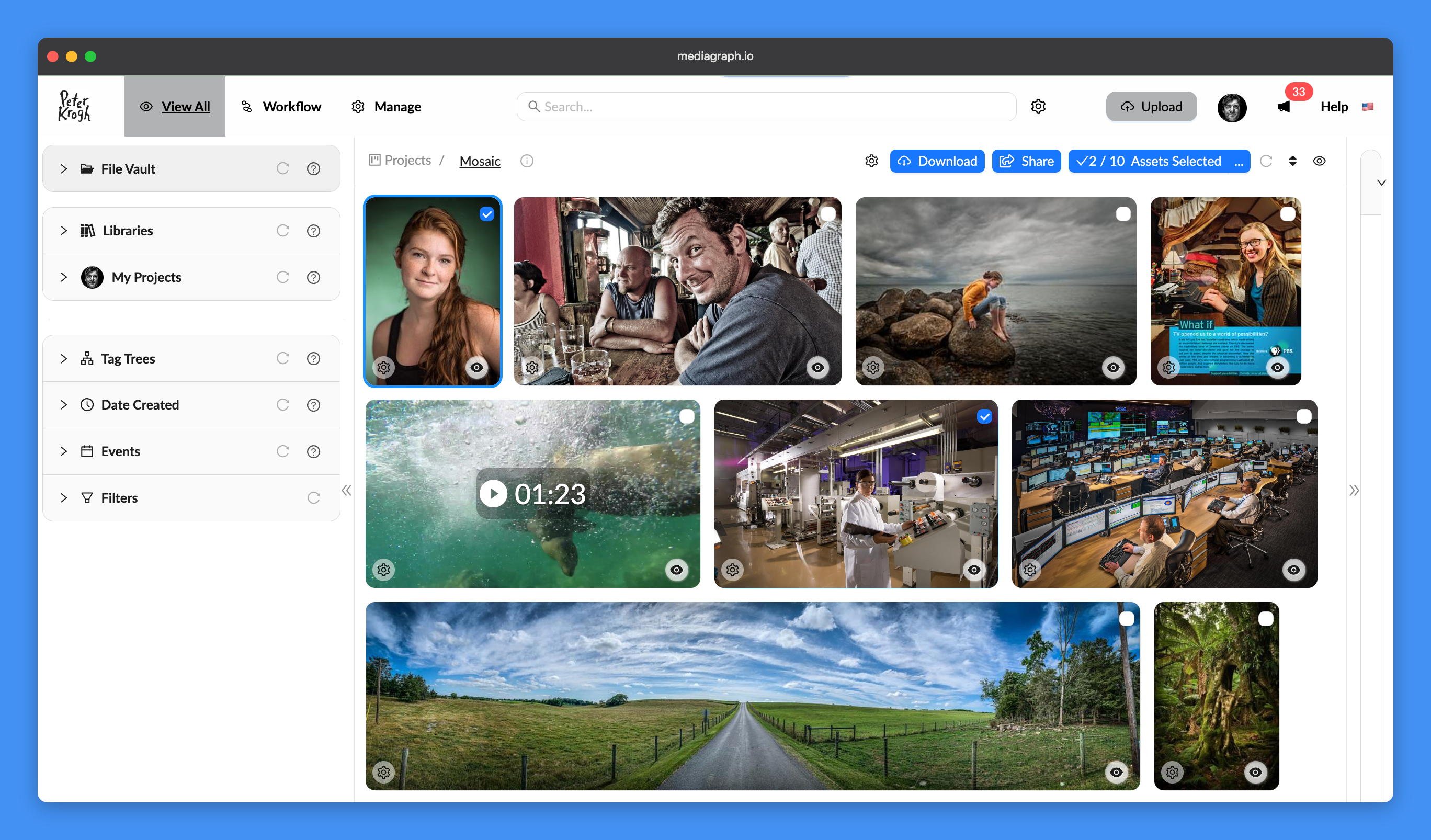
Your landscape and panoramas finally get the room they deserve. Masonry View lays out assets at their natural proportions, so wide images stay wide and tall images stay tall.
On a large monitor, a single panorama can stretch across nearly the full width of the screen. Adjust the thumbnail size for a compact overview or larger previews.
To try it, open View Settings from the eye icon at the top of your workspace and choose Masonry under View Mode.
A New Dark Mode
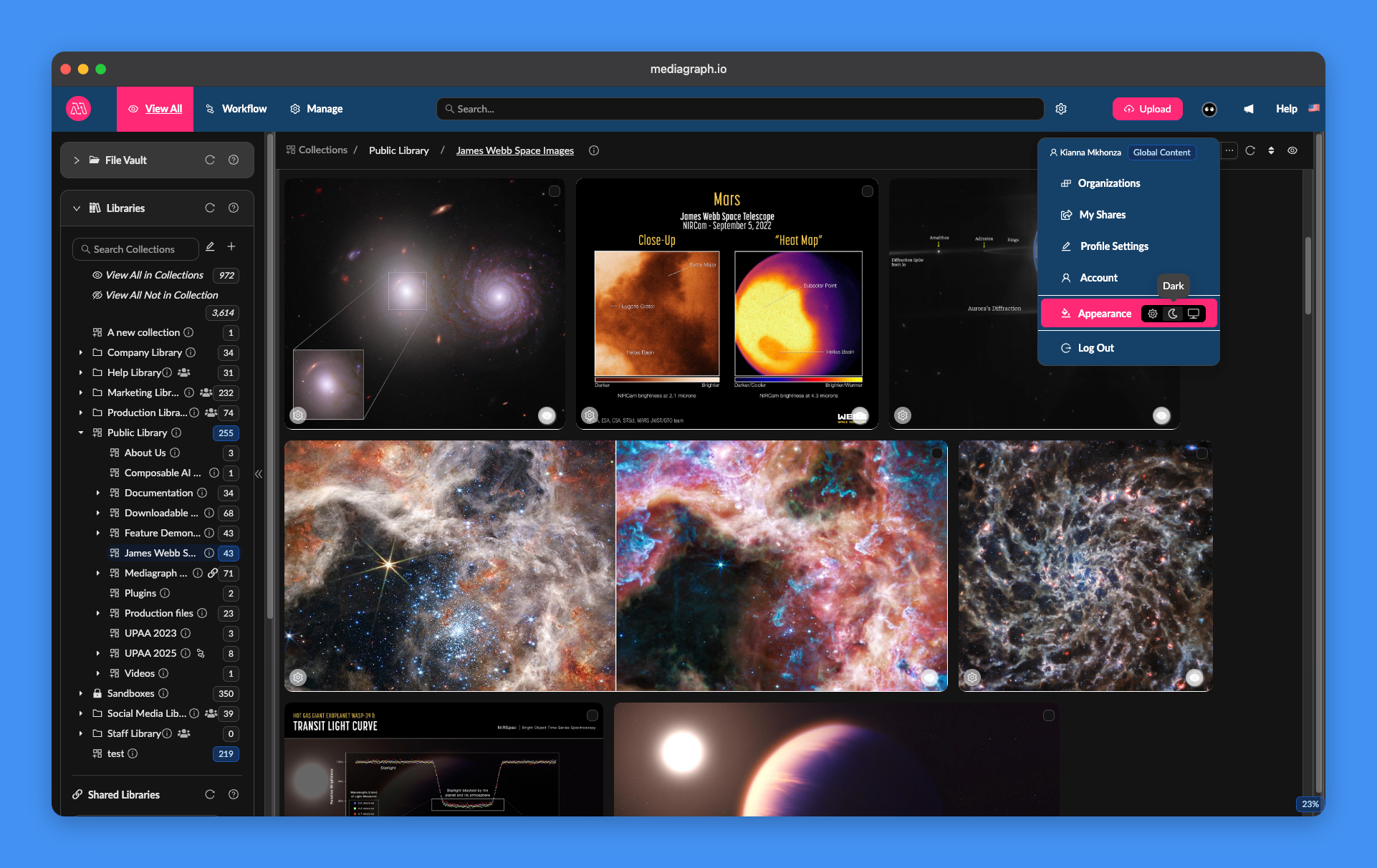
Mediagraph now comes in dark. Switch to Dark Mode from your profile menu under Appearance, or set it to follow your computer’s system setting.
Try it with Masonry View and give your photos the spotlight.
Asset Details at a Glance with Quick Info
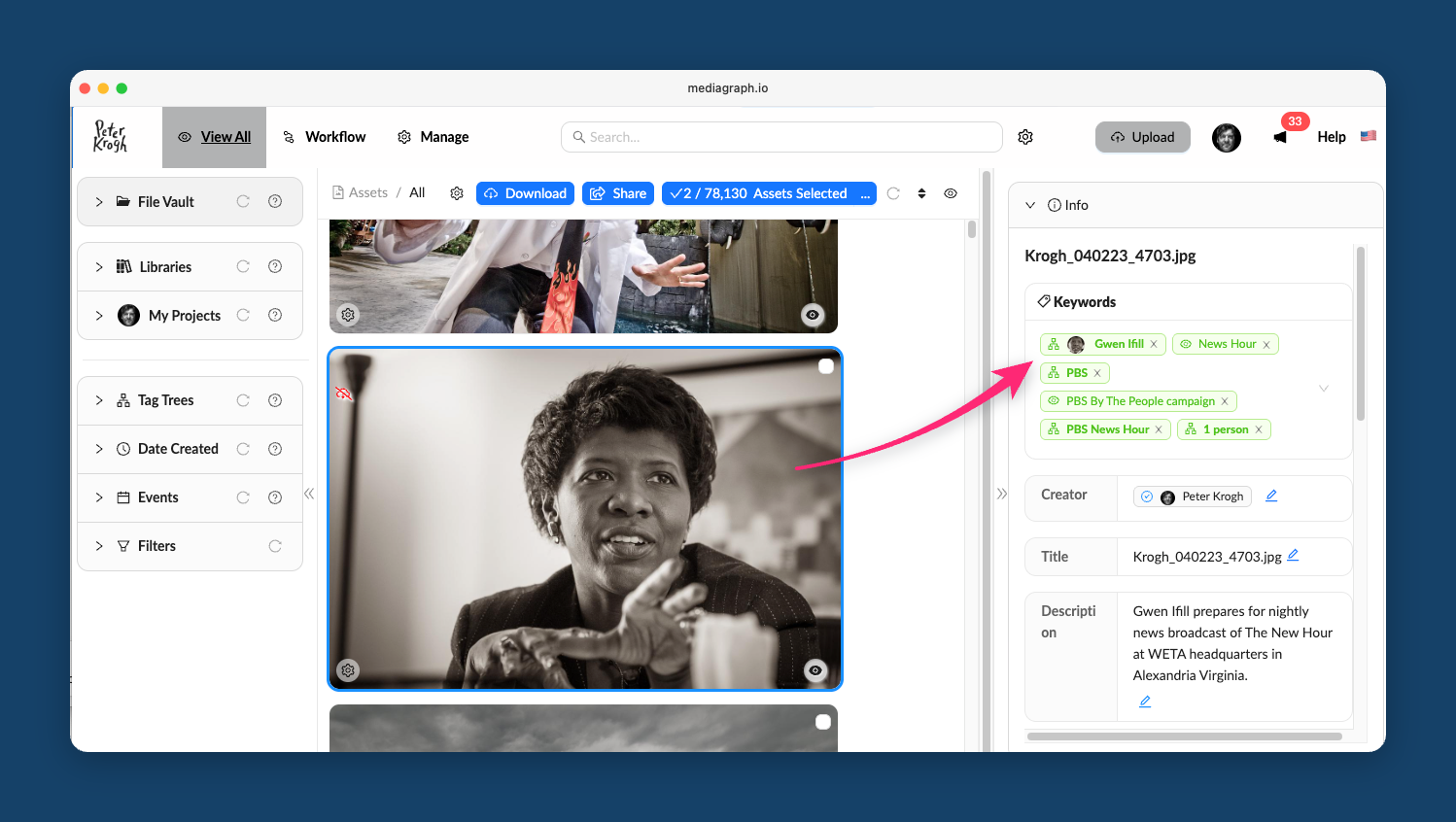
Check asset details without opening each file. Highlight any asset in your workspace, and the new Quick Info panel on the right shows its filename, title, description, keywords, creator, date created, GPS location, and usage rights, where available. You can quickly arrow through your files and compare fields like captions, rights, date created or anything else you show in the Quick Info panel.
Previously, checking these basics meant opening Asset Detail View and backing out again. Now you can see those details as you move through your assets, without losing your place.
An Improved Mobile Experience
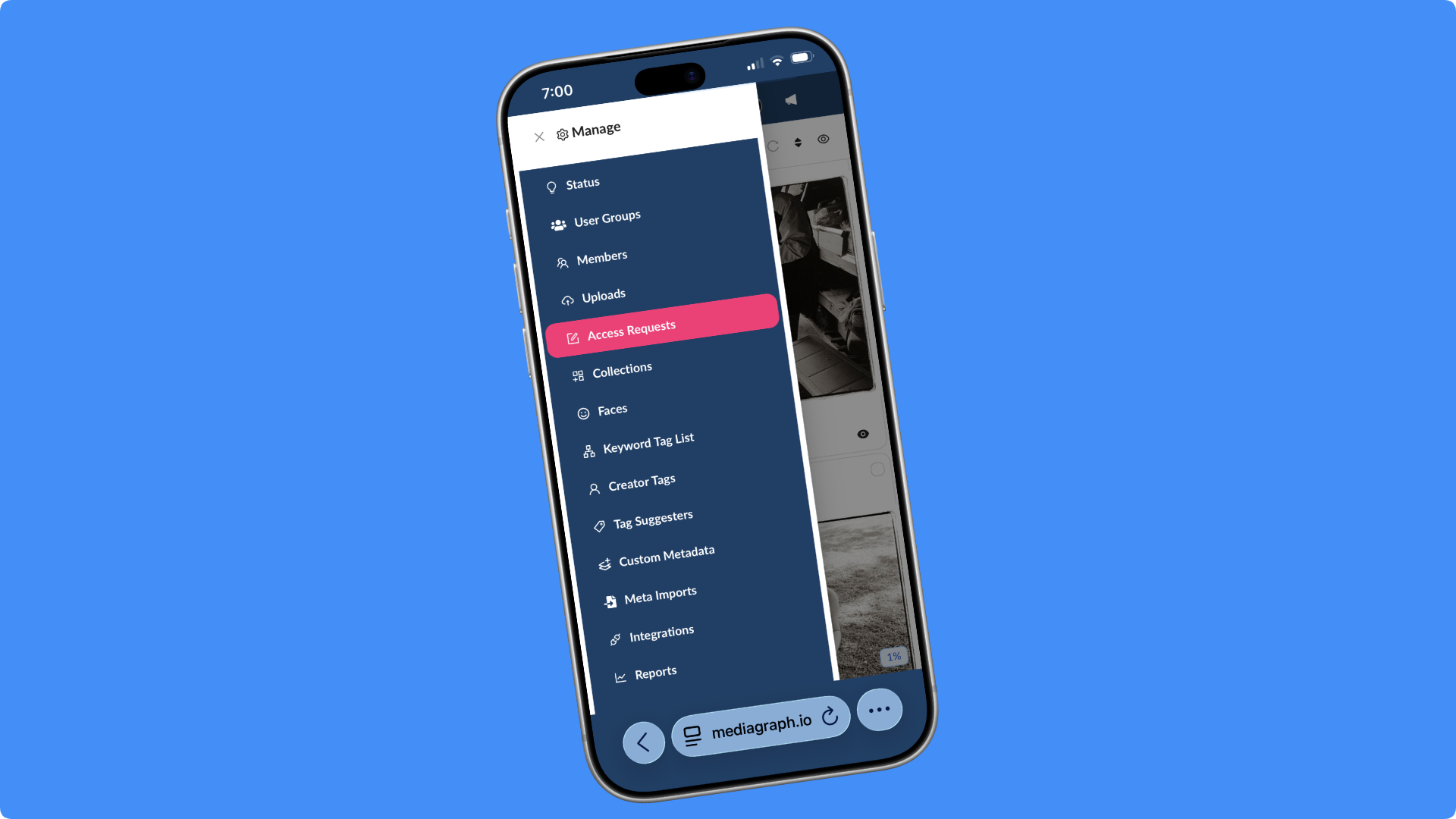
More of Mediagraph now fits in your pocket. A new Show Sidebar button in the bottom-left corner opens the sidebar on your phone, bringing features that were previously unavailable there, including access requests, workflow approvals, and Lightbox comments.
If a teammate needs an image for a deadline and you’re away from your desk, you can approve their request on your phone instead of making them wait.
A Refreshed PDF Viewer
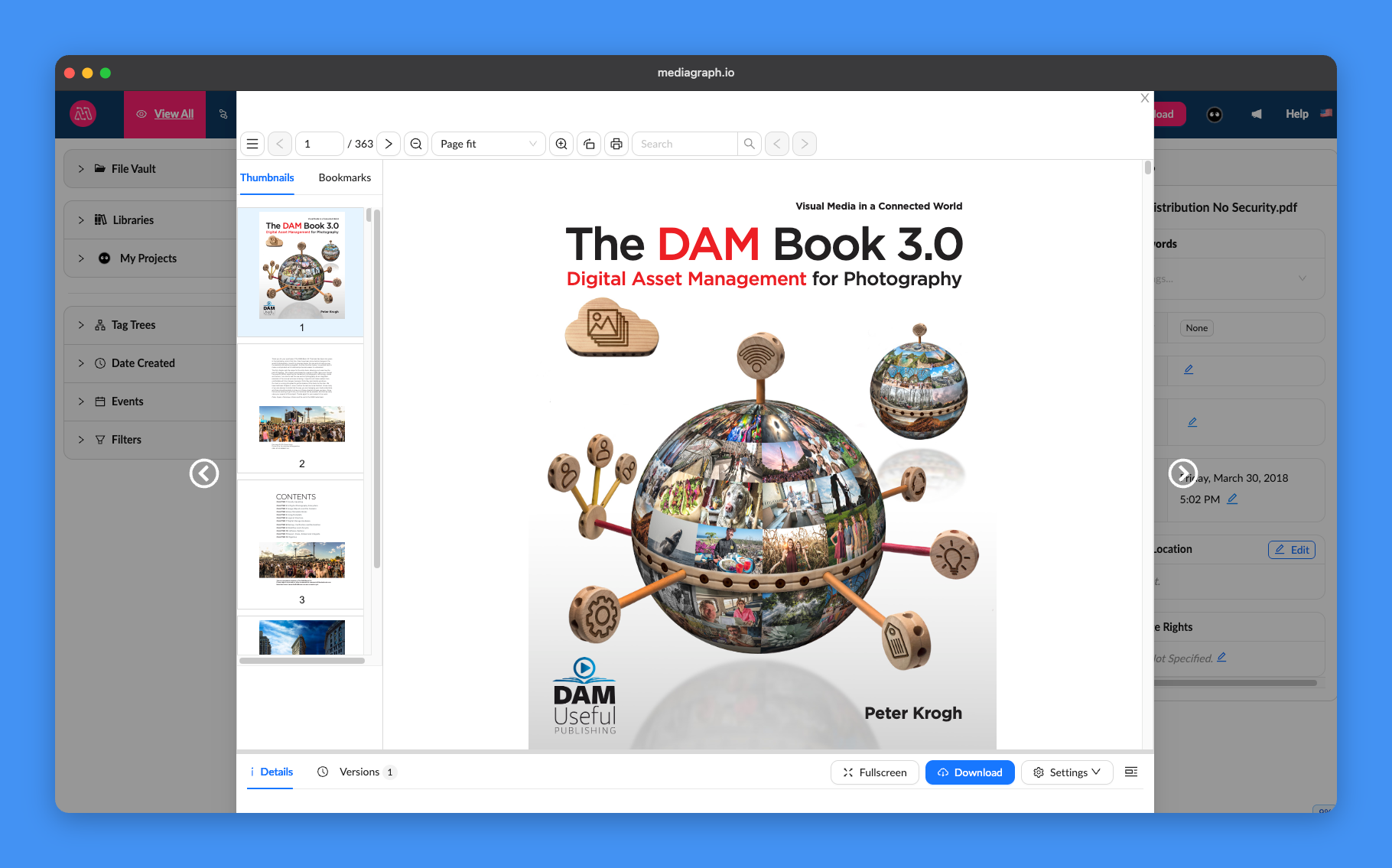
The PDF viewer has a cleaner new design. All the tools you already use are still there, so you can keep reading and reviewing documents in Mediagraph without downloading them first.
Try It Out
All five updates are available now on all plans. Try them the next time you log in, and let us know what you think.